
Someone on your team has an idea. A tool to automate a compliance task. A customer-facing feature. Maybe an entire customer-facing product.
A few prompts and a surprisingly productive weekend later, there is a working tool. It has buttons. It has a dashboard. It does the thing.
Monday morning everyone is impressed. Someone asks: why would we pay a vendor when we can build this ourselves?
Fair question. AI has made it much easier to get from an idea to a very convincing clickable front-end. But the thing you can click is often the tiny piece of the iceberg above the water line.
The much larger questions are: can you operate everything underneath it, and do you actually want to manage the additional workload?
01 The part you can see
Imagine you build a tool that collects evidence for an access review. It connects to your systems, pulls user lists, shows a manager who has access, and records their approval.
On demo day, it is beautiful. The manager clicks approve. A green check mark appears. It feels like the future.
Now put it into actual use.
What happens when the connection to one system fails quietly? When an employee changes departments? When the list includes a service account nobody recognizes? When a manager approves access by mistake? Who notices, who corrects it, and what does the audit record show afterward?
That green check mark just acquired quite a lot of relatives.
The tool needs someone to maintain integrations, manage permissions, investigate exceptions, fix bugs, preserve records, support users, and decide when the output can be trusted. It also needs an owner for the moments when the engineer who built it is on vacation or has moved on.
These are not reasons never to build. They are part of what you are choosing to build.
02 There is a business below the waterline
A working feature is one part of a service. To make that service dependable, you may need customer support, monitoring, incident response, change management, documentation, backups, a release process, a way to handle complaints, and a plan for what happens when it breaks at the least convenient moment.
You also have to decide what data it collects, who can see that data, where it goes, how long you keep it, and what happens when someone asks you to delete it. If it relies on other vendors or AI services, their role in that flow matters too.
For an internal tool, the list may be shorter. For a product used by customers, it may be much longer. Either way, somebody owns the parts below the surface.
I have watched teams underestimate this when they compare a vendor's annual price to the hours it took to produce a prototype. The prototype is an upfront cost. The rest is a continuing commitment. If doing it properly requires a support process, a security process, and an operating team, you have begun building a business to support one feature.
That may still be the right investment. It should at least be a decision you made on purpose.
03 The compliance tool has its own compliance problem
This gets particularly interesting when the thing you are building is itself a compliance control.
Say your new tool monitors training completion, performs access reviews, or collects evidence for your audit. If the tool produces an incomplete report, loses records, or quietly stops running, the control you thought you had may not be operating the way you think it is.
Now the people responsible for the program need to understand how the tool is secured, how its output is checked, who can change its logic, and what happens when it fails. The tool may also affect what your auditor needs to examine, depending on how much you rely on it and what information it handles.
You built something to make compliance easier. It may have introduced more systems to secure, more code to test, more vulnerabilities to fix, another penetration-test consideration, and more evidence to produce.
A familiar question returns, only wearing a new outfit: who is checking the thing that checks the thing?
04 AI speeds up creation but does not inherit the responsibility
AI can help draft code, find an approach, explain an error, and get an idea onto a screen. That is useful. The speed can also create the feeling that the hard part is behind you when much of it has only become visible.
When a generated integration fails, a permission is too broad, or a customer cannot get a reliable answer from your new system, the AI does not take the support call. Your team does.
And when someone asks for your security documentation, test results, incident history, or an explanation of why the system made a particular decision, "AI built it" is not much of an answer.
The ease of building is real. So is the responsibility that follows.
05 Before you build, ask what you are agreeing to run
I am not anti-build. Sometimes a focused internal tool solves a problem that no vendor solves well. Sometimes a custom capability is central to your product. Building can be smart.
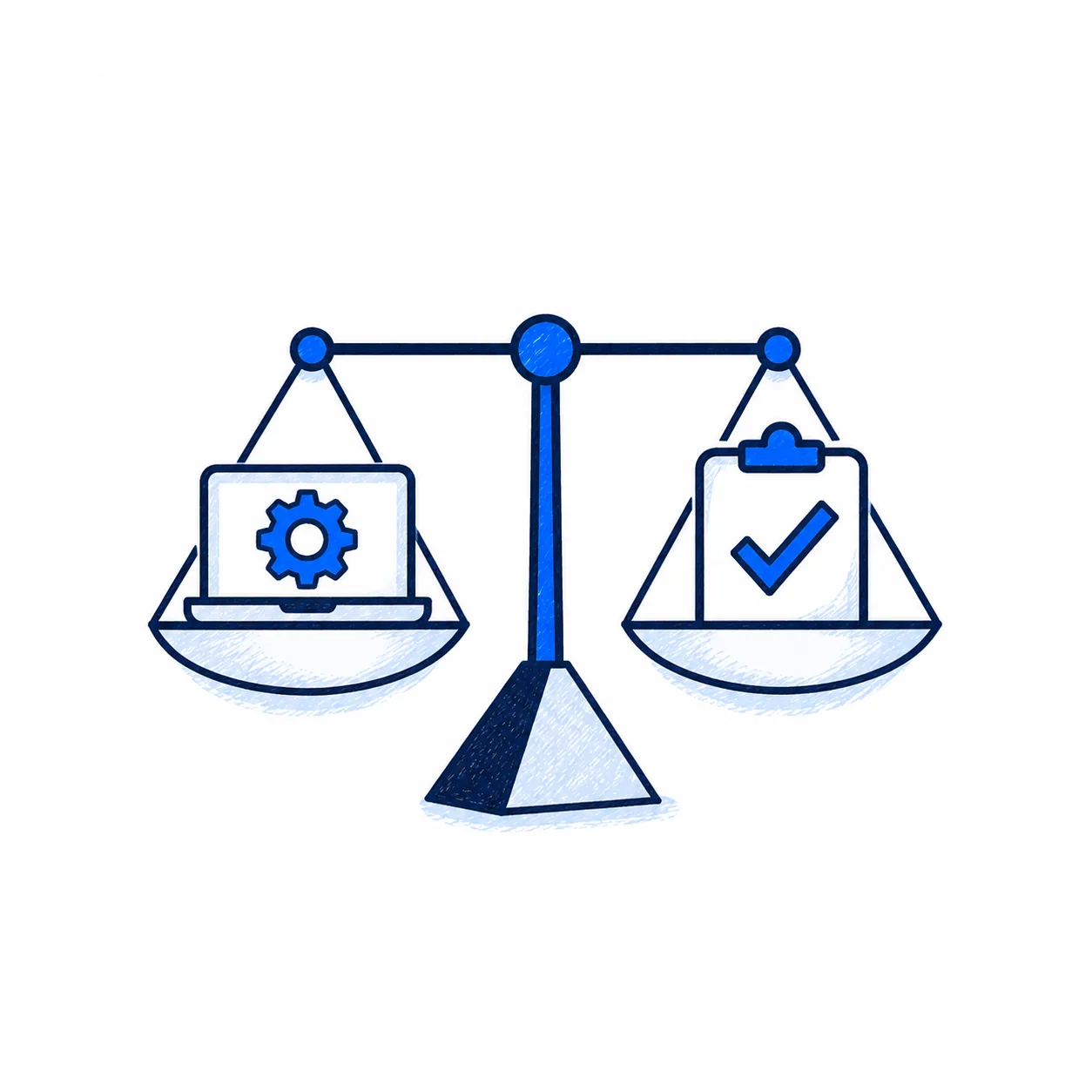
But before you commit, ask a few less exciting questions. What exactly are we building: a prototype, an internal tool, a control we will rely on, or a service we will offer customers? Who will own it after the person who built it moves to the next priority? What happens when it gives the wrong answer, stops working, or needs a security fix? What new data, testing, support, and audit work are we taking on? Does building still make sense when we include those ongoing costs? Do we have any contractual obligations related to AI use in our service delivery?
If you have good answers, build away. If you do not, that weekend demo is valuable for a different reason: it has shown you what is possible and given you a chance to investigate what is required.
06 The part nobody tells you
The first demo may take a weekend. Running the thing you built is a commitment with no weekend-sized end date.
Related reading: explore AskDegree solutions when buying beats building for your compliance workload, or use the Security Questionnaire Response Plan when the thing you built starts showing up in customer diligence.